Phone & Tablet Setup
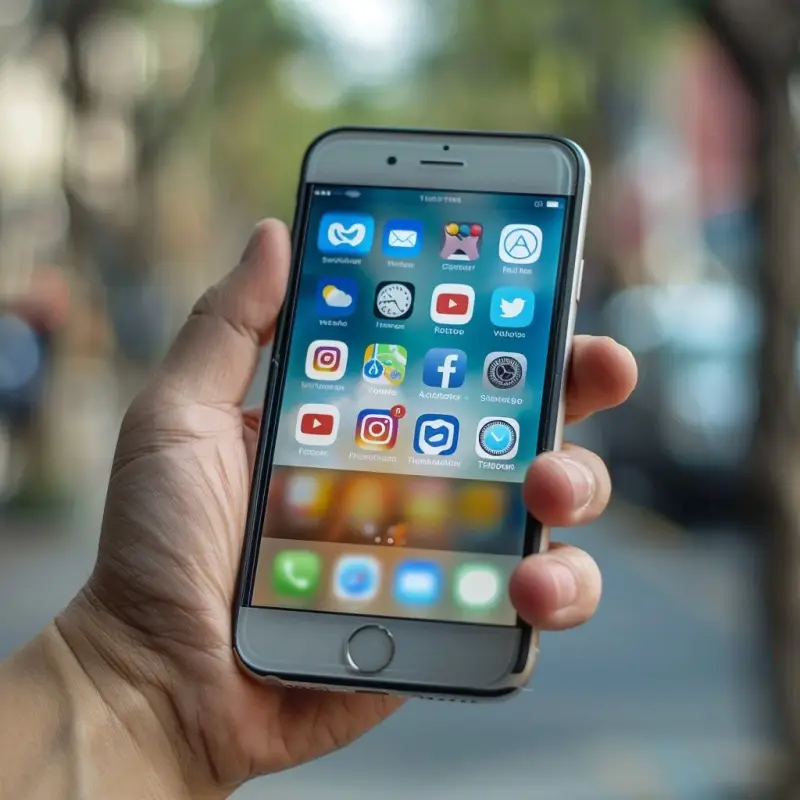
Getting a new phone or tablet should be exciting—not confusing. We help you set up your device the right way, connect it to Wi-Fi, install apps, transfer your data, and make sure everything works smoothly.
Whether you’re upgrading, switching devices, or setting one up for the first time, we make the process simple, clear, and stress-free.
What We Set Up
-
New iPhones and iPads
-
Android phones (Samsung, Google Pixel, Motorola, etc.)
-
Android tablets
-
Phone and tablet Wi-Fi connections
-
Email accounts and password setup
-
App installation and updates
-
Contacts, messages, and photo sync
-
Cloud backups (iCloud, Google, Samsung)
-
Device security and privacy settings
-
Parental controls (optional)
What We Do During Your Appointment
-
Connect your device to your home Wi-Fi.
-
Install essential apps and organize your home screen.
-
Set up email accounts, passwords, and online accounts.
-
Transfer photos, contacts, apps, and settings from your old device.
-
Enable cloud backups so your data stays safe.
-
Adjust privacy and security settings to keep your device protected.
-
Show you how to use key features with simple, friendly guidance.
-
Troubleshoot any issues you’re having with apps or settings.
Common Device Issues We Fix
-
Apps not downloading or updating
-
Device won’t connect to Wi-Fi
-
Email not syncing
-
Contacts missing after switching phones
-
Messages not showing up correctly
-
Problems signing into accounts
-
Cloud storage errors (iCloud, Google, Samsung)
-
Slow or freezing devices
-
Notifications not working
-
Face ID / Touch ID problems
Service Area
We provide in-home phone and tablet setup across Denver, Englewood, Littleton, Lakewood, Aurora, and surrounding areas. If you’re unsure whether we cover your location, just call or text and we’ll confirm.
Need help setting up a new phone or tablet?